POPs Restaurant Software
All-in-one restaurant POS for dine-in, takeaway & delivery
Run dine-in, takeaway and delivery from a single, intuitive POS built for restaurants of every size.
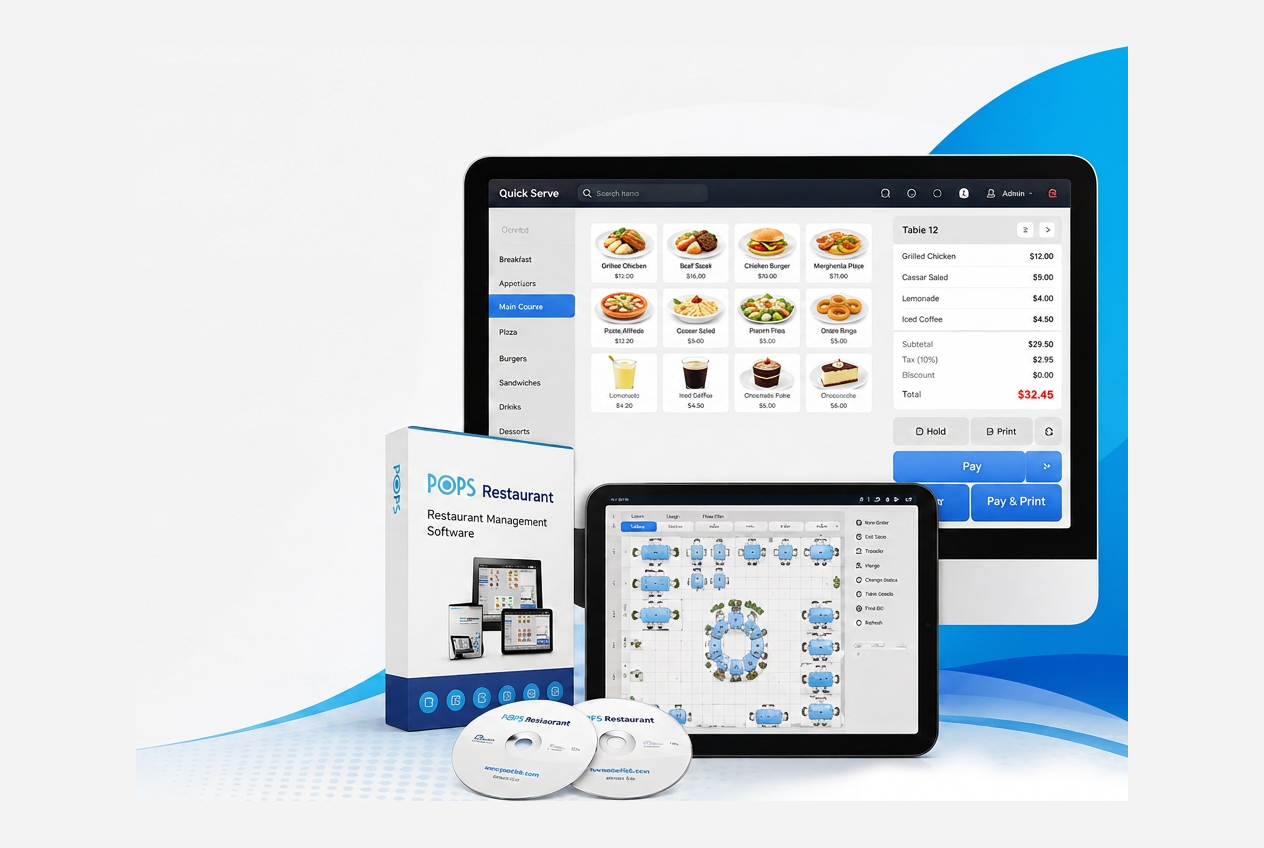
POSBANK offers a wide range of software options designed to simplify the daily operations of any business and improve access to critical sales data through detailed analysis. POPs Restaurant lets businesses maximize productivity and earnings with an intuitive POS solution built for an ever-changing restaurant industry — a feature-packed platform that keeps pace with varying business demands and ensures the smooth operation of any restaurant.
Manage orders, billing, tables, inventory, staff permissions and detailed reporting for any restaurant concept — from a single, intuitive POS.
Restaurant owners and operators running dine-in, takeaway, delivery, cafes, bakeries and multi-branch chains.
Faster service, fewer order errors and clearer visibility on daily performance — so you make better decisions every shift.
Connects natively with POPs KDS, QDS, Cloud, Call Center, Management App, Restaurant+ and menutree, sharing menus, prices and live sales in real time.
Lifetime license — one-time purchase. No monthly fees, no subscriptions, and your data stays yours.
How POPs adapts to your type of business.
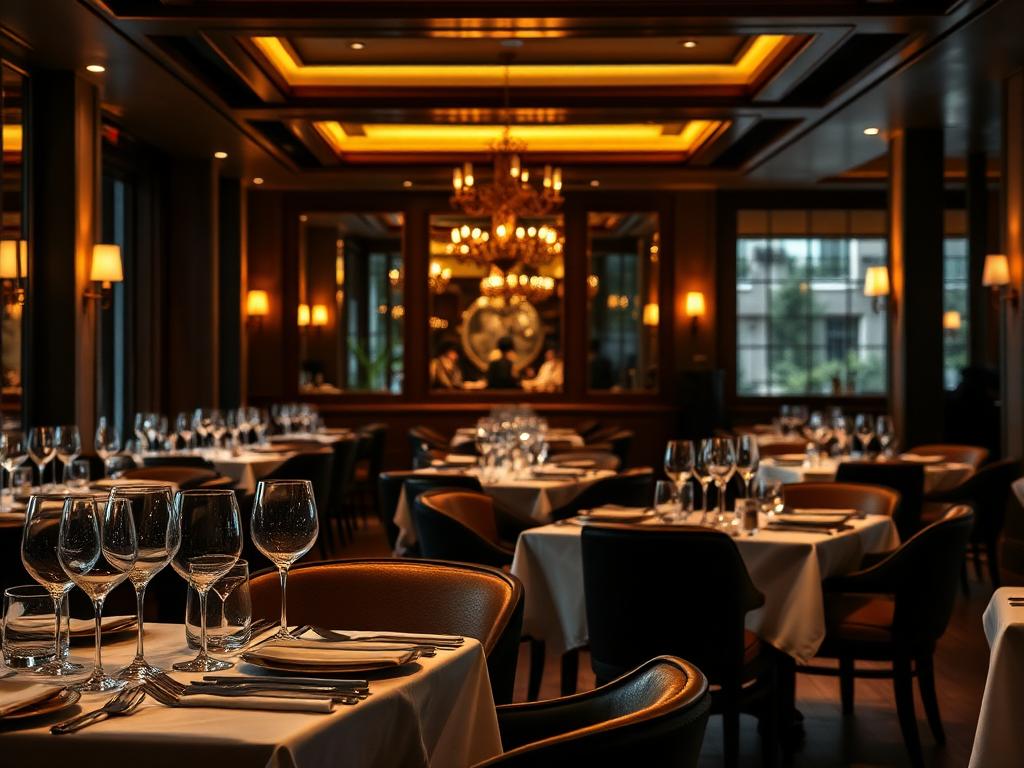
Floor plans, reservations and split-bill workflows for full-service venues.
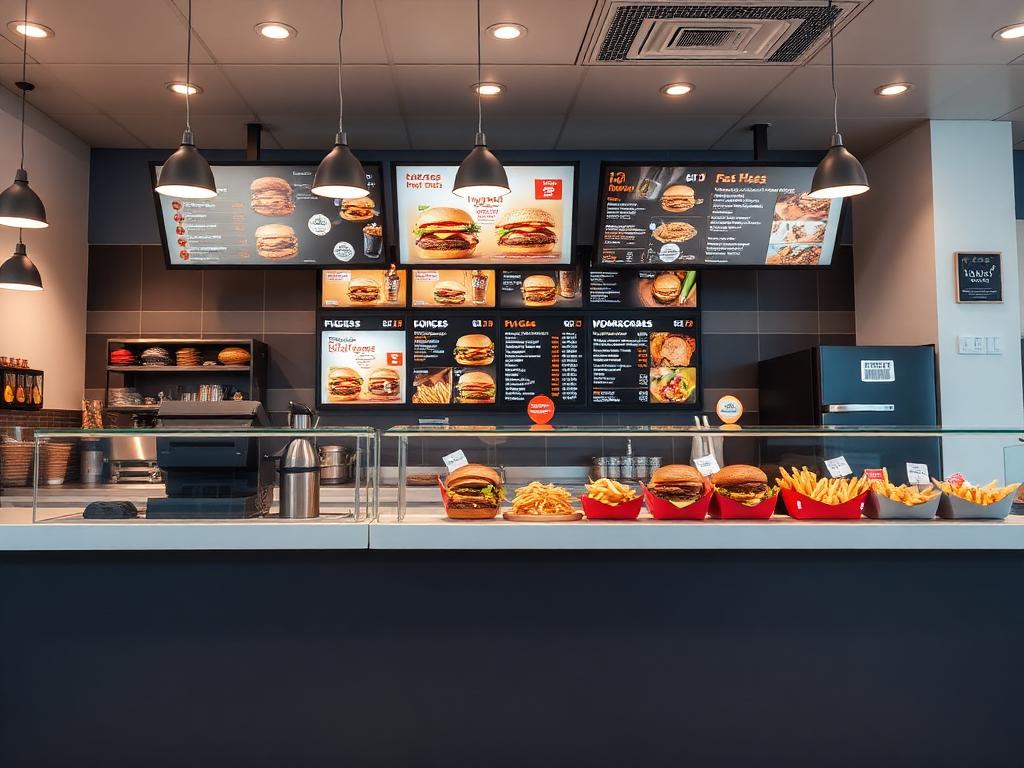
Speed-optimized order screens and combos to keep the line moving at peak hours.

Quick menu modifiers, loyalty and tab management built for high-frequency service.
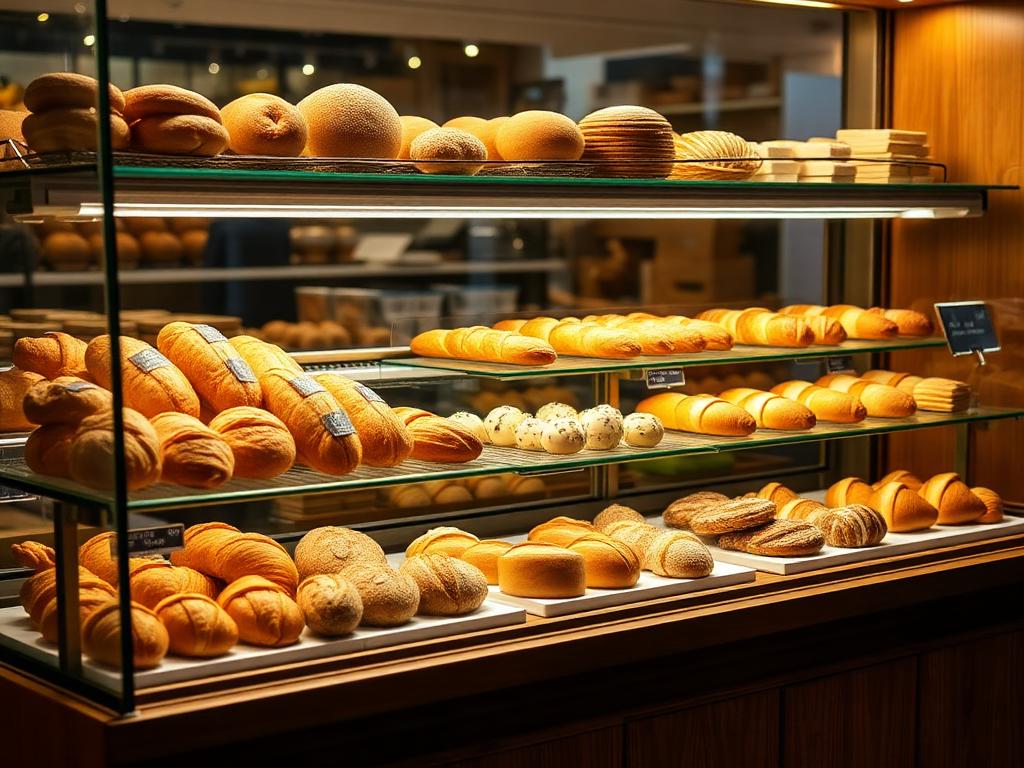
Weight-scale support, item categories and promotions for fresh, daily-changing menus.
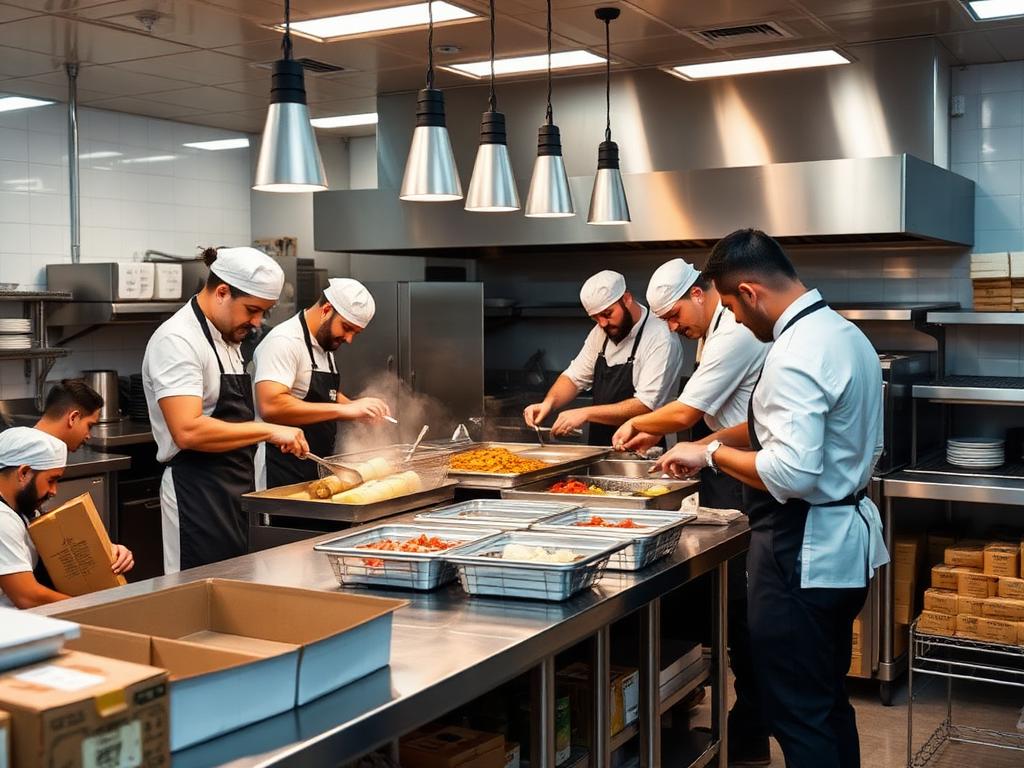
Centralized menus across delivery channels with KDS and call-center routing.
- Customizable menu by category and item
- Table map design and floor plans
- Defined POS function buttons and screen layout
- Combine and split orders
- Reservations and waiting list management
- Multi-branch operation with centralized menus
- 01
Faster service and fewer order errors
- 02
Real-time stock control across branches
- 03
Designed for high-volume hospitality workflows
- 04
Smarter decisions through detailed daily analysis
In detail
- Customizable menu by category and item
- Table map design
- Define POS function buttons and screen layout
- Sleek and modern user interface
- Easy menu management
- Simple command entry screen
- Schedule and table management
- Aggregation and division of orders
- Reservation and waiting management
- Barcode ordering
- Employee scheduling
- Time-card tracking (clock in/out)
- Security levels and permissions per employee
- Staff performance tracking
- Payroll
- Touch screen and dual customer displays (10.1", 12.1", 15")
- Magnetic stripe reader (MSR) and barcode scanner
- Kitchen printers and cash drawer
- Weight scale and customer display (CDP)
- Caller ID, guest pager and membership / gift cards
- Cash
- Paper and electronic checks
- Gift cards
- Coupons
- Customer member / loyalty points
- Sales total and simple/detailed sales reports
- Cashier in/out and daily cash in/out
- Cancelled order history
- Sales by hour, day, item type and category
- Top-selling items report
- Sales by payment / card type
- Sales by customer and gratuity by employee
- Saudi Arabia electronic invoicing (e-invoice) reports
- Export reports to Excel
- POPs Cloud
- POPs Management
- menutree
- Parcel
- Talabat
- POPs Restaurant+
- Payments: Whish Money, OMT Pay
- Accounting: Zoho Books, Sage 50, QuickBooks
- Google Drive cloud backup
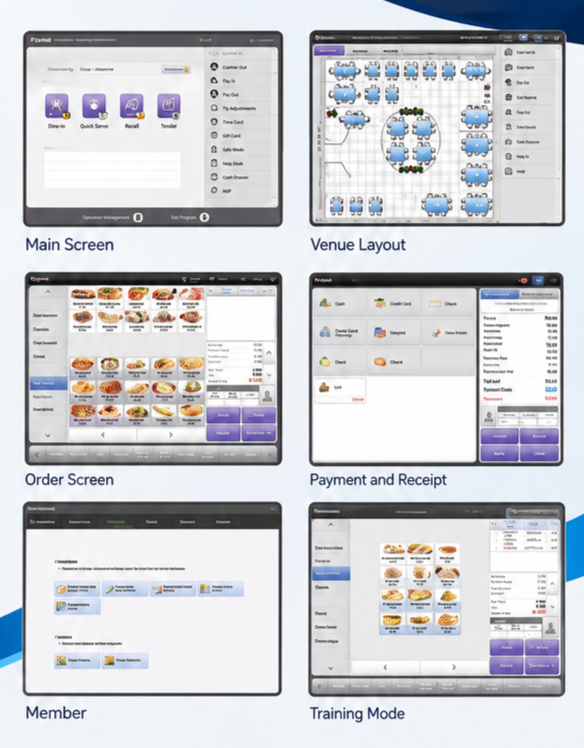
- Main screen
- Venue / floor layout
- Order screen
- Payment and receipt
- Members
- Training mode
- Sales reports
- Operation management
Restaurant POS software built for Lebanon
POPs Restaurant is deployed daily across Lebanese restaurants — from casual cafés in Beirut and Jounieh to fine-dining venues in Saida, family restaurants in Zahle and quick-service outlets in Tripoli, Tyre and Nabatieh. The system is engineered for the realities of running a restaurant in Lebanon: unreliable power and internet, dual-currency pricing in Lebanese pound and US dollar with exchange rates that update daily, Arabic and English printouts, and a workforce that needs to be productive from day one.
Because POPs Restaurant is offline-first, cashiers keep taking orders, printing receipts and firing tickets to the kitchen even when the connection drops. Data synchronizes automatically once the network is back, so no ticket, no shift and no report is lost. That reliability is why Lebanese chains choose POPs as the backbone of their operations.
Every deployment is handled by our local team in Beirut, with training for cashiers, waiters, kitchen and managers, and ongoing support in Arabic and English. Whether you run one location or a chain across several governorates, POPs Restaurant scales with you — and thanks to the lifetime license model, your investment stays yours forever.
Serving restaurants across Beirut, Tripoli, Saida, Zahle, Jounieh, Tyre and Nabatieh.